



































Microsoft to Add Custom User Folder Naming Feature in Windows 11 Setup
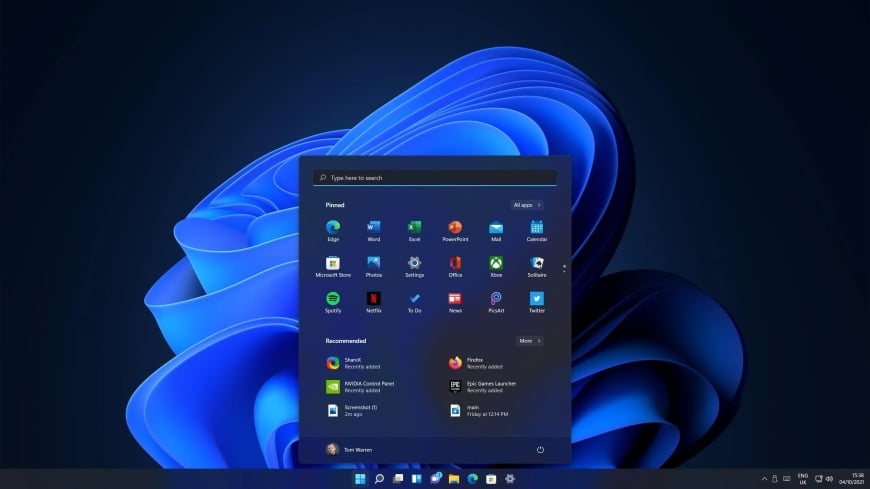



Microsoft is set to introduce a long-awaited feature in the initial setup process of its Windows 11 operating system. The new feature will allow users to define the name of their user folder according to their preference. The development was reported by Neowin.
Currently, when installing Windows 11, the operating system automatically creates the user folder based on the email address of the user’s Microsoft account or the profile name. Since many users have unusual or lengthy email addresses, the name often gets truncated during the setup process, creating difficulties for those who use command-line applications.
To address this issue, Microsoft is introducing the long-awaited feature. During the initial setup, users will be able to assign a preferred name by clicking the “Show User Folder Name” option on the device naming page. However, certain naming rules will apply—only letters, numbers, dashes, or underscores will be allowed.
Microsoft said the feature is currently being tested in the preview builds of Windows 11’s Dev and Beta channels. According to the company, users will have the opportunity to change the name during the setup process. If this step is skipped, Windows will automatically create the folder using the default name.
A few months ago, Windows 11 introduced a feature to change the user folder name, but it required the use of the Command Prompt. With the new update, the process has been made much easier and more user-friendly.
DBTech/BMT/OR