






























YouTube Shorts Control: New Timer Lets Users Set Feed to Zero




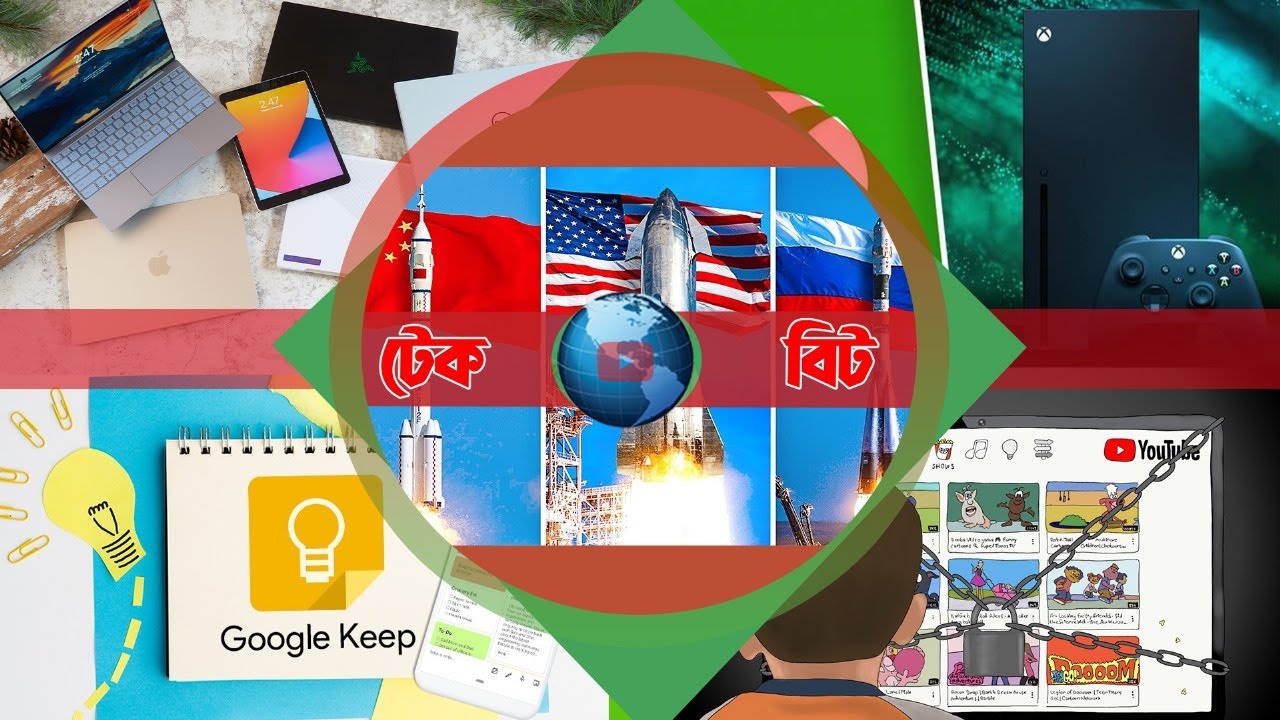
Users are set to gain relief from the distractions of short-form videos on YouTube Shorts. A new option has been added to the app’s settings, allowing users to set the Shorts feed time limit to zero minutes. As a result, short videos will completely disappear from the feed.
YouTube first introduced this timer feature in October last year. However, at that time, the minimum limit was 15 minutes, after which a pop-up reminder would appear, notifying users that they had been scrolling for a long time. Now, in addition to parental controls, general users can also access this feature.
How to disable YouTube Shorts?
In the YouTube mobile app, go to the Settings page and click on the “Time Management” option. Under “Daily Limits,” you will find the “Shorts Feed Limit.” From there, you can set any time limit ranging from zero minutes to two hours.
Caution
After selecting zero minutes, a message will appear: “Scrolling paused, but you can still view individual Shorts.” This means that the Shorts may not completely disappear from the feed immediately and the app may need to be refreshed. To ensure full effect, it is better to restart the app.
This move by YouTube will be particularly helpful for users who have become addicted to Shorts videos. It offers an effective solution to reduce doomscrolling and regain control over screen time.
DBTech/BMT/OR